Download Block Craft 3D APK 3.37.1 for Android
Wildlife Studios APK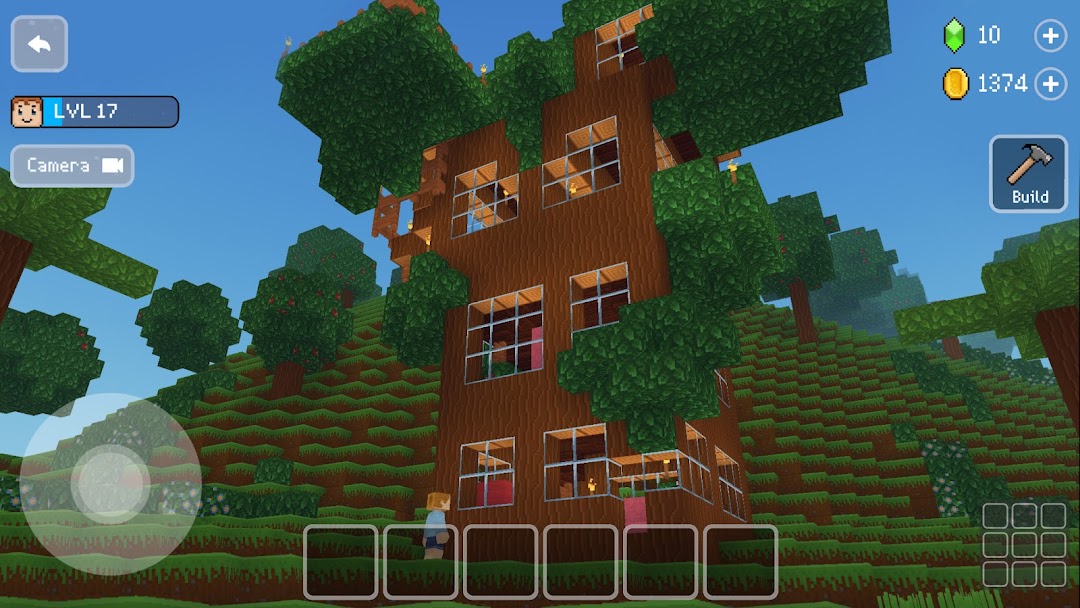
| Name | Block Craft 3D:Building Game |
|---|---|
| Publisher | Wildlife Studios |
| Version | 3.37.1 |
| Size | 64MB |
| Requires | Android 4.1 |
| Get it on | Google Play ↗ |
| Category | Simulation |
| Downloads | 4,070 |
| Price | FREE |
| Rating |
★
★
★
★
★
3.5/5
(14)
|
| Author | |
| Updated |
Block Craft 3D looks like a free, monster-free Minecraft for your phone, but the gems that unlock its best blocks are exactly where the grind, the ads, and the riskiest “unlimited gems” downloads start.
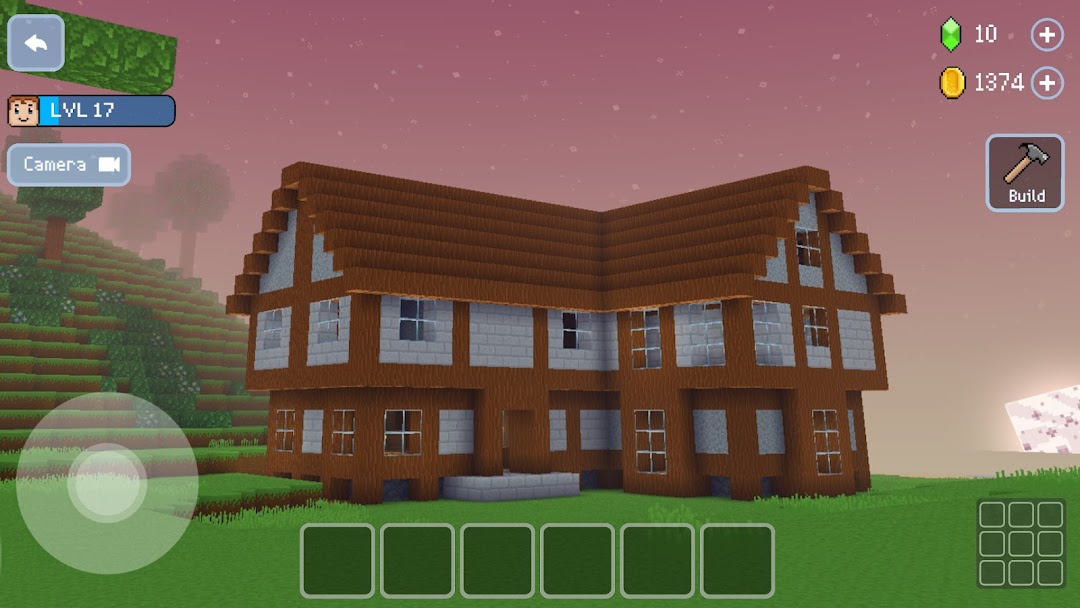
Block Craft 3D is a free 3D building and life-simulator game for Android, made by Fun Games For Free, a studio under Wildlife Studios. You drop blocks to build houses, castles, mines, a spaceship, and even the Eiffel Tower, then adopt pets and visit the villages your friends create. It plays much like a simplified Minecraft, with no enemies to fight and no survival meter to manage. The catch is the economy: the prettiest items sit behind gems, and that single design choice shapes everything from the ad load to why so many players go looking for a modded version.
- What Is Block Craft 3D, and Who Made It?
- How Block Craft 3D Plays: Building, Mining, and Pets
- Coins vs Gems: How the In-Game Economy Works
- Is Block Craft 3D Free, and What Actually Costs Money?
- Can You Play Block Craft 3D Offline?
- Multiplayer and Kid Safety in Block Craft 3D
- Block Craft 3D vs Minecraft: The Honest Differences
- Block Craft 3D MOD APK: What It Changes
- How to Download and Install Block Craft 3D Safely
- Risks and Safety: Mods, Accounts, and Trust
- Alternatives to Block Craft 3D
- Frequently Asked Questions
- The Bottom Line
What Is Block Craft 3D, and Who Made It?
Block Craft 3D is a sandbox building game where the goal is creativity, not combat. The studio behind it, Fun Games For Free, also made Sniper 3D and Flight Pilot Simulator, so this is a polished commercial title rather than a hobby clone. The game has passed 100 million downloads, and some Android app stores list it in the 500 million install range as of 2026. On Google Play it holds around 4.5 stars from roughly 2.4 million ratings as of April 2026, and the app was still receiving updates as recently as May 2026, with the latest version listed as 3.37.1.
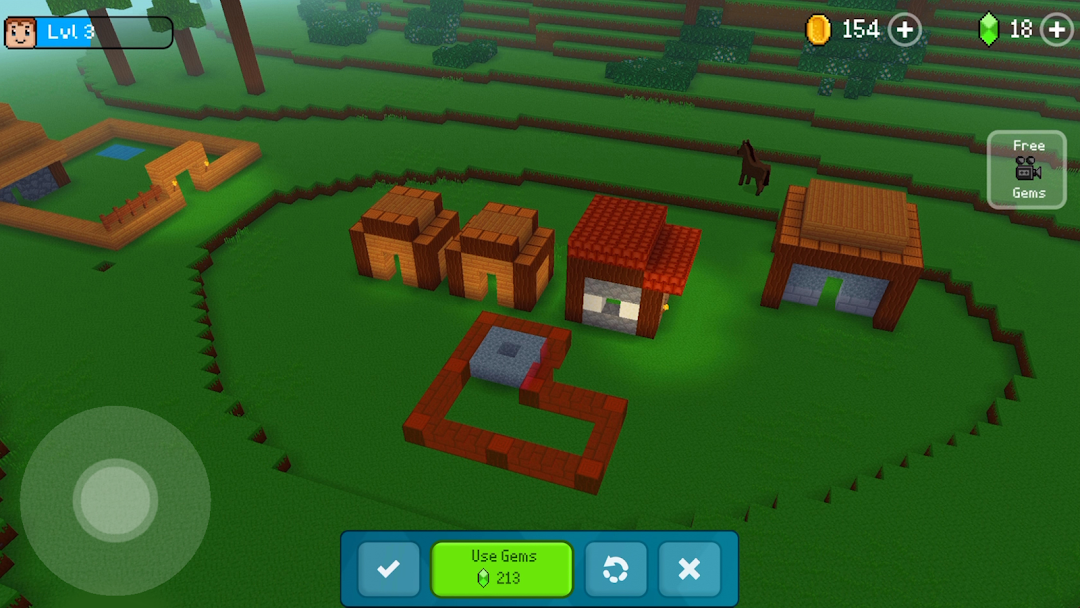
The core idea is simple. You start in a small village, gather blocks, and build whatever you can picture. There are no zombies, no hunger bar, and no “game over.” That makes it friendlier than Minecraft for younger or casual players, but it also means the game leans on creativity and collecting rather than challenge to keep you playing.
How Block Craft 3D Plays: Building, Mining, and Pets
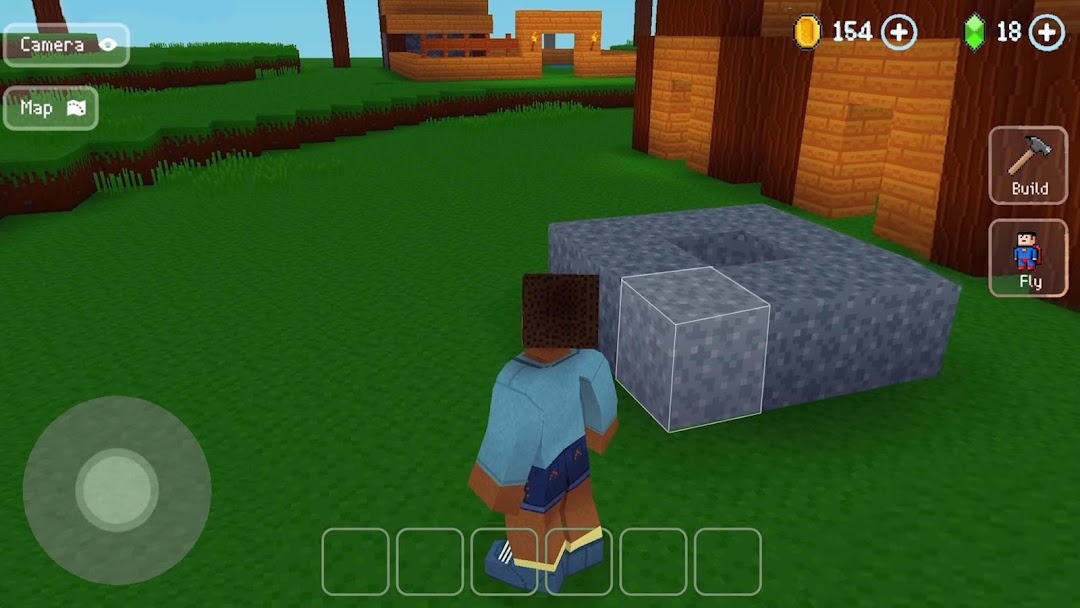
You play with a virtual joystick to move and a tap-and-hold gesture to gather or place blocks. Touch controls are deliberately basic, so a new player can build a small house out of wood and stone within the first few minutes. You can jump, attack, switch camera views, and follow in-game blueprints if you would rather copy a design than start from scratch.
Construction is the heart of it. You mine materials like wood, stone, earth, and metal, each with its own texture, then combine them into structures and decorate them. Beyond buildings, you can adopt and care for pets such as a dog, a cat, or an elephant, which adds a light life-sim layer. A second loop lets you craft custom blocks, furniture, or finished blueprints and sell them for gems. So the gameplay is part free-build, part collection, and part casual economy management.
Coins vs Gems: How the In-Game Economy Works
Block Craft 3D runs on two currencies, and understanding the split explains most of the game’s friction. Coins are the everyday currency for buying building materials and expanding your world. Gems are the premium currency that unlocks special items, skins, characters, and pets.
You earn coins and gems by playing, completing daily challenges, leveling up, and selling the items you craft. The problem is pace. Earning enough gems for the standout content is slow, and the game nudges you toward buying them with real money instead. This is the deliberate pressure point: the village is free to build, but the items that make it look impressive are gated behind a currency that the game makes you wait for.
Is Block Craft 3D Free, and What Actually Costs Money?
The game is free to download and free to play, funded by ads and in-app purchases. You never have to pay to build, and you can enjoy a large part of the game without spending. But two things cost money or patience: premium content paid for with gems, and convenience features like speed building and flight that are locked behind a paywall.
The bigger day-to-day cost is attention. Player reviews from the last year repeatedly mention frequent ads, including video ads that interrupt building and pop-ups when opening the inventory. Several reviewers note that the free experience has grown more ad-heavy over time. None of this makes the game unplayable, but it does explain why the “remove ads” purchase and the modded versions are both popular.
Can You Play Block Craft 3D Offline?
Partly, and this is where most download pages are misleading. Your village is saved locally, so you can open the game and keep building without an internet connection. That part is genuine offline play.
The limitation appears after the tutorial. Multiple players report that earning gems and XP, leveling up, and unlocking new blocks, items, and animals require an internet connection. Ads also need network access to load. So you can build offline, but you cannot fully progress offline. If your plan is to use Block Craft 3D as a no-wifi time-killer, expect a build-only experience rather than the full game.
Multiplayer and Kid Safety in Block Craft 3D
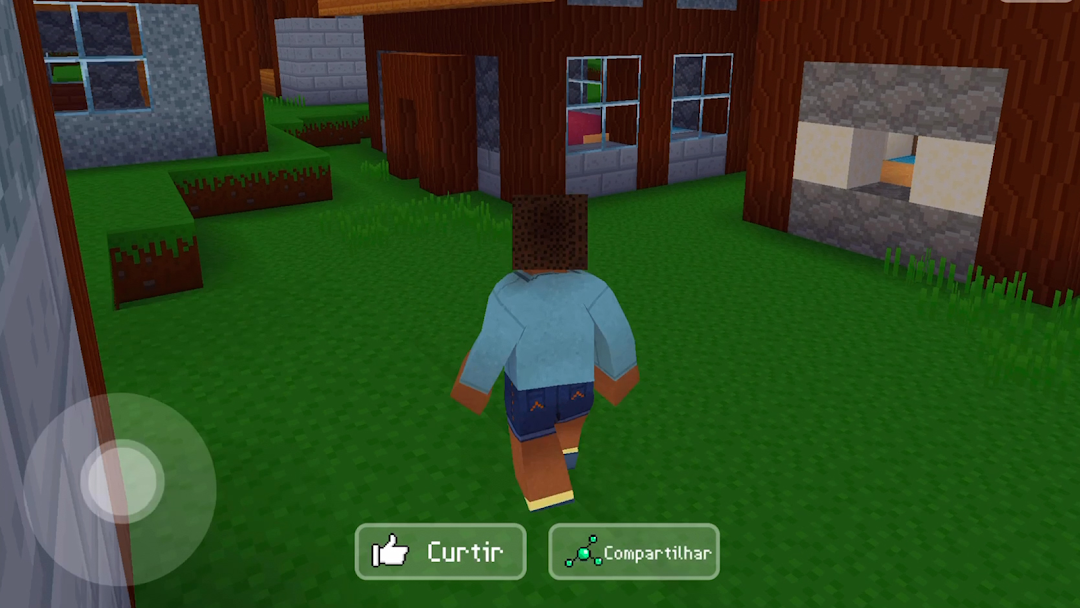
Block Craft 3D includes a multiplayer mode where you visit other players’ villages and help finish their builds, and that social layer deserves a careful look if a child is playing. Visiting friends is a friendly feature, but multiplayer also puts other real players in your space, and it can include chat. Moderation in open chat is imperfect.
For young children, that is worth knowing before you hand over a device. Parents in app store reviews have flagged two recurring issues: a child accidentally tapping an ad and installing something, and multiplayer chat exposure that adults did not expect. The practical fix is straightforward. Turn off multiplayer or chat for younger kids, and treat the game as a single-player building toy. The building itself is age-appropriate; the surrounding ads and social features are the parts that need supervision.
Block Craft 3D vs Minecraft: The Honest Differences
Block Craft 3D is a Minecraft-style game, not a Minecraft replacement, and pretending otherwise sets players up for disappointment. It borrows the blocky look and free-build spirit, and it is free where Minecraft is paid, which is exactly why parent listicles often suggest it as a lighter alternative.
The differences run deep, though. Minecraft offers survival mechanics, enemies, redstone logic, vast procedural worlds, and a huge modding ecosystem. Block Craft 3D strips most of that away in favor of a calmer, village-focused builder with no combat and a smaller scope. Reviewers who arrive expecting Minecraft’s depth tend to find the building loop shallow and the ads intrusive. Players who want a relaxed, free pixel-builder with pets and no pressure usually enjoy it for what it is. Pick it for the simplicity, not for parity with Minecraft.
Block Craft 3D MOD APK: What It Changes
A Block Craft 3D MOD APK is a modified build of the official game that removes the gem and coin grind, and that is the whole reason these versions exist. The common modifications advertised are unlimited gems and coins, all items unlocked from the start, and in some builds an unlocked fly feature or a mod menu.
In plain terms, a modded build hands you the premium content the official game makes you wait for or pay for. That sounds like a clean upgrade, and for sandbox creativity it can feel like one, since you stop fighting the currency system and just build. But a mod is a third-party rebuild of someone else’s app, so it carries real trade-offs in safety, stability, and trust. The next two sections cover the part that actually matters: where these files come from and what can go wrong.
How to Download and Install Block Craft 3D Safely
The official game is safest from the Google Play Store, and any APK from outside the Play Store should be sideloaded carefully. Sideloading just means installing an app from a file rather than the store, and the process is the same for both the official APK and a modded one.
- On your Android device, open Settings, then allow “Install unknown apps” for the specific browser or file manager you will use. Switch this permission back off once you are done.
- Download the APK file from a source you trust, and check that the version and file size match what the page claims before opening it.
- Tap the downloaded file to install, then launch the game and confirm it opens and saves correctly.
- If you installed a modded build, do not sign into a personal account you care about until you are sure the file is clean.
If you want a hosted build with its version and file details laid out before you download, you can browse the catalog on modlmh, which keeps version numbers and notes visible so you know exactly what you are installing.
Risks and Safety: Mods, Accounts, and Trust
A modded APK is only as safe as the site you download it from, and that single fact should drive every decision here. Because a mod is an unofficial rebuild, files from unknown sources can hide malware, ad-fraud code, or token-stealers that read data from your phone. A modified build can also break after an official update, refuse to install, or crash on certain devices.
There are two more honest risks worth naming. First, using a modded version goes against the game’s terms of service, and while Block Craft 3D is not heavily account-locked, signing into any linked account from an untrusted build is a needless gamble. Second, the official game already collects data, so adding a third-party layer on top widens the privacy surface. The reasonable approach is simple. Stick to the official Play Store version if account safety or a child’s device is involved, and if you do try a mod, use a trusted source, keep it off your main accounts, and respect that Fun Games For Free is the original developer behind the work.
Alternatives to Block Craft 3D
If Block Craft 3D feels too shallow or too ad-heavy, a few alternatives cover the same building itch with different trade-offs. Minecraft is the obvious step up, with real survival mechanics, deeper crafting, and a massive mod scene, though it is a paid app. For free options, titles like Block World 3D: Craft & Build add survival and creative modes plus multiplayer servers, while other “mine and craft” sandbox games on the Play Store offer custom skins and addons.
The honest summary is that most free block-builders share the same business model, so ads and gem prompts are the norm rather than the exception. If you want the calmest free experience with pets and no combat, Block Craft 3D still holds up. If you want depth and fewer interruptions, paying once for Minecraft usually beats grinding through ads in any free clone.
Frequently Asked Questions
Is Block Craft 3D free? Yes. It is free to download and play, funded by ads and optional in-app purchases. You can build a full village without spending, but premium items, gems, and convenience features like speed building cost money or a lot of grinding.
Is Block Craft 3D safe to install? The official version from the Google Play Store is safe. The risk comes from modded APKs on unknown sites, which can carry malware or token-stealers. If you sideload any build, use a trusted source and keep it off accounts that matter to you.
Can I play Block Craft 3D offline? You can build offline because saves are stored locally, but you cannot fully progress offline. After the tutorial, earning gems and XP, leveling up, and unlocking new content require an internet connection.
How do I get gems in Block Craft 3D? In the official game, you earn gems by playing, completing daily challenges, leveling up, and selling crafted items, or you buy them with real money. Modded versions advertise unlimited gems, but they come with the safety trade-offs covered above.
Is Block Craft 3D the same as Minecraft? No. It is a free Minecraft-style builder with no enemies, no survival mode, and a smaller scope. It is friendlier for casual or younger players, but it lacks Minecraft’s depth, modding, and world size.
Is the Block Craft 3D MOD APK safe? A mod is only as safe as its source, and it always breaks the game’s terms. Even a clean mod can stop working after an official update. If you want guaranteed safety, use the official version; if you try a mod, treat it as throwaway and avoid linking real accounts.
The Bottom Line
Block Craft 3D is a genuinely relaxing free builder with pets, simple controls, and no combat, which makes it a fair entry point for kids and casual players. Its weak spots are real: heavy ads, a gem economy built to slow you down, and an offline mode that only half works. The official Play Store version is the safe default, and it is the right choice if a child is playing or an account is involved. If the gem grind is what pushes you toward a modded build, go in with eyes open, download only from a source you trust, keep it off your main accounts, and check the listed version and file details before you install.
Rất nhiều tiền để chi tiêu
Rất nhiều tiền để chi tiêu
Install the official, unmodified build straight from Google Play.
Android emulator to run BLOCK CRAFT 3D:BUILDING GAME APK smoothly on PC.